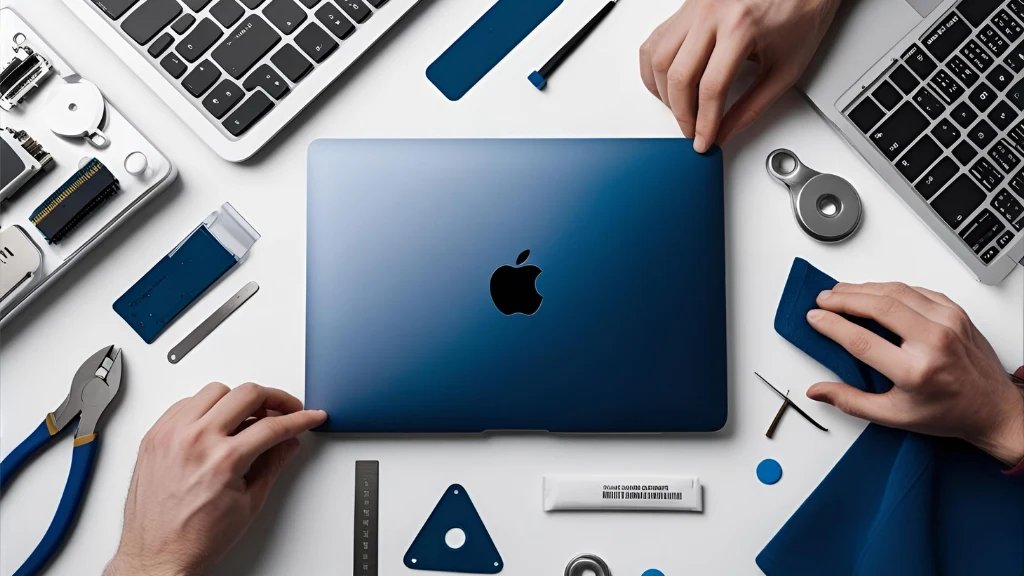
A broken or faulty MacBook display is a broken heart. Now your beautiful, high-resolution display is filled with spider-web cracks and dark areas or non-reactive areas, which are not only messing up your working process but also messing up your mind. The first question that automatically comes to mind is, of course, how much it is going to cost.
It is rarely a flat fee answer. There is no definite formula for the price of a MacBook screen repair. Thus, the cost of repairing MacBook screen can be different by hundreds of dollars. The initial step in making a smart decision that is budget-friendly is to understand what lies behind these costs. This guide will de-mystify the pricing structure and reveal the seven important factors that will end up determining your final repair bill.
7 Key Factors That Influence the Cost of Repairing MacBook Screen
When you receive a quote on a screen repair, the technician/service center is looking at a set of variables that are specific to your case. Thus, the seven important factors are as follows:
1. MacBook Model and Year
Newer models are just about always more expensive to maintain than old ones. The reason is that newer and more advanced screen technology is constantly being incorporated by Apple. The cost of replacing a MacBook Air screen will typically be different than the cost of replacing a MacBook Pro, and a model today will be more expensive than one in 2018.
2. Screen Size and Resolution
Larger screens cost more. A 16-inch MacBook Pro monitor is by definition more costly to produce than a 13-inch monitor. Moreover, those models having Retina displays, Liquid Retina XDR, or ProMotion technology have more complex and expensive components than those of regular-resolution screens.
3. Type of Damage
Is the LCD broken underneath, or is the glass broken? A small top glass crack could be a much easier repair, but when the liquid crystal display beneath is cracked or bleeding, it needs the replacement of the entire macbook display assembly, which is a more complex and costly job.
4. OEM vs. Third-Party Parts
The highest cost yet ensures compatibility and quality are authentic Apple parts (Original Equipment Manufacturer – OEM). Third-party or aftermarket parts may be of high quality, which can save a lot of money, and can be fairly reliable, but it is important to find a good supplier.
5. Warranty Status
Provided that your MacBook falls within the one-year warranty period provided by Apple, or AppleCare+, or another consumer protection law, and the damage is a manufacturing defect, you might not have to pay. Nevertheless, unintentional damage (such as cracks) typically requires an AppleCare+ incident fee or comes at a personal cost.
6. Repair Service Provider
The repair cost of an Apple store is generally the most expensive because of the high quality of parts and labor. Quality is similar at a similar price level in authorized Apple Service Providers. The cheapest MacBook screen repair is usually offered by the independent repair shop that utilizes third-party components and commands a lower labour cost.
7. Labor Costs and Geographic Location
There are also different labor rates in different regions, and depending on the skill of the technician. The overhead and labor costs will be higher in a large metropolitan repair shop than in a small town repair shop. The intricacy of the repair is also a factor; newer and slimmer models tend to be harder and time-consuming to repair.
Final Thoughts
A broken screen does not necessarily need to be a nightmare with respect to money. Armed with the knowledge of the seven elements that dictate the price, based on your particular model and the nature of the damage you might have suffered, you are no longer a passive customer but an informed customer.
The cost of repairing MacBook screen, quality, and warranty always balance each other. So, go to the substantial savings of a trusted tech shop like Quick Laptop Repair, and being aware of these variables will ensure you pay a reasonable amount. This gives you the confidence to fix the shiny display on your MacBook without any unpleasant surprises on your final bill.