
If you recently switched to Mac Outlook from Windows and facing issues when trying to access PST files in the same! Wondering how to migrate PST files to Mac Outlook with all the data items effortlessly? Looking for an easy and simple method for the same? Not to worry at all, just follow the blog and you will discover a solution that will help users migrating PST files to Mac Outlook with emails, contacts, calendars, and more.
Microsoft Outlook is a widely used email application. It was first introduced for Windows and then for Mac OS. The email client is a personal information manager for users because it organizes and manages users’ personal daily database with ease such as email messages, calendar events, contact list, journal entries, etc. Therefore, whenever Windows users switches to Mac, they choose the same application to manage their emails i.e. Outlook. Both the Outlook versions provide same experience to users. The issue arises when a user tries to migrate PST files to Mac Outlook. Although, the latest Outlook versions is programmed with Import option that help users importing only the necessary .pst files in the same. But it won’t allow importing unlimited PST files into Mac Outlook at once. So, the process will become tiring for many if they choose Import option to migrate PST file. Thereby, the perfect way to migrate PST files to Mac Outlook is by converting PST to OLM. By doing this, one can convert multiple PST files to OLM at once and then import OLM to Mac Outlook with all the data items accurately.
How to Migrate PST Files to Mac Outlook?
The effective way out to migrate PST files to Mac Outlook is by converting PST to OLM with the help of MacMister PST Converter for Mac application. The software is user-friendly, advanced, and secure. It is designed with Add File(s)/Add Folder buttons with the help of users can load required .pst files/folder on the application for conversion. The tool has a simple interface as well so that all types of users can operate the tool without any trouble.
Moreover, the powerful features of the application enable users to migrate PST files to Mac Outlook according to the requirements. However, it is recommended to download the free demo edition of the application in order to test the software process in detail for free.
Step-by-Step Software Working to Migrate PST Files to Mac Outlook
Step 1. Download, install, and run the application on your Mac.
Step 2. Add PST files on the software by taking support of Add File(s)/Add Folder buttons. The Add File(s) button helps adding the necessary .pst files on the tool. And the Add Folder button allow users adding the folder holding unlimited .pst files on the tool for batch migration. Click Next to continue.
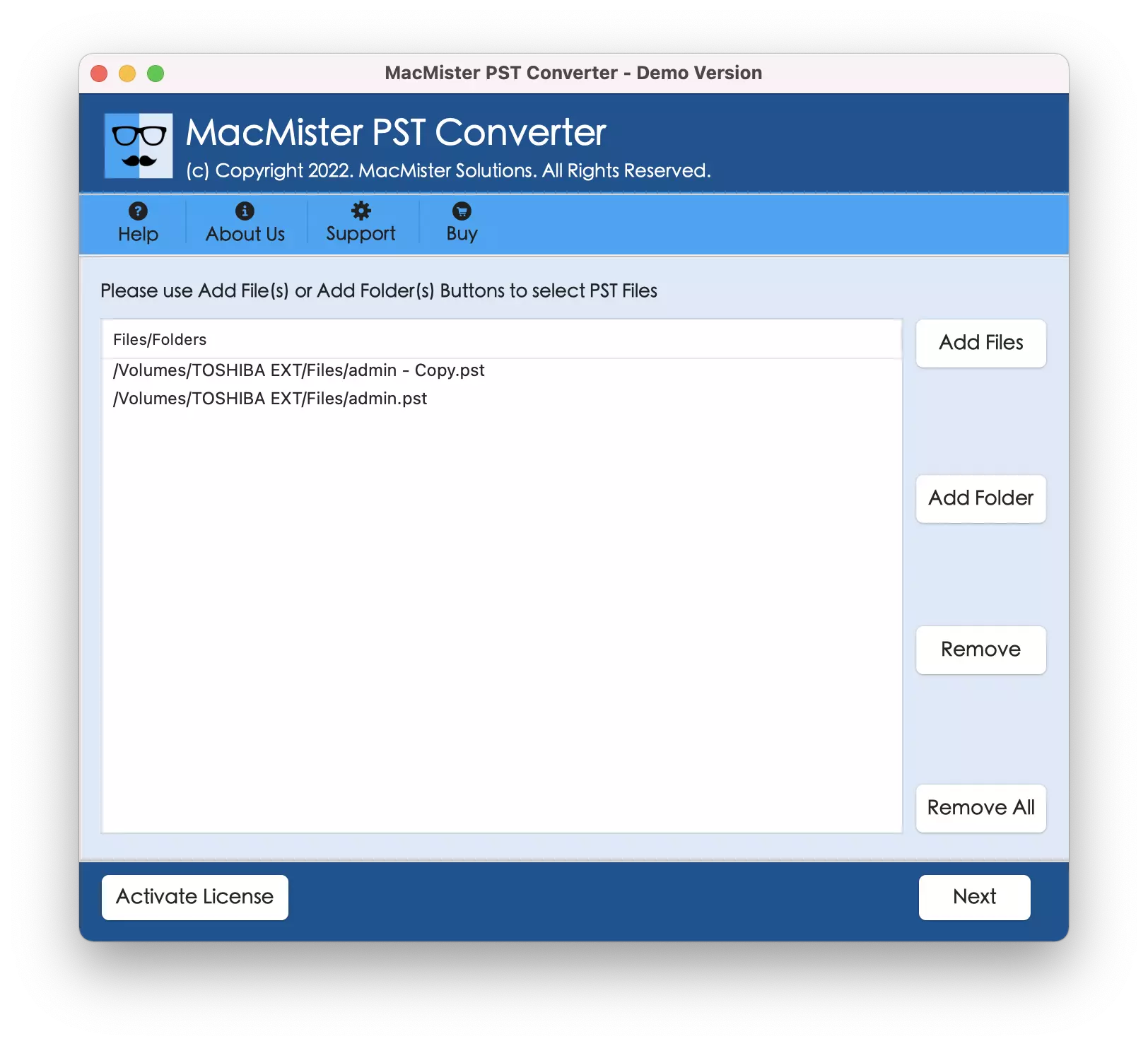
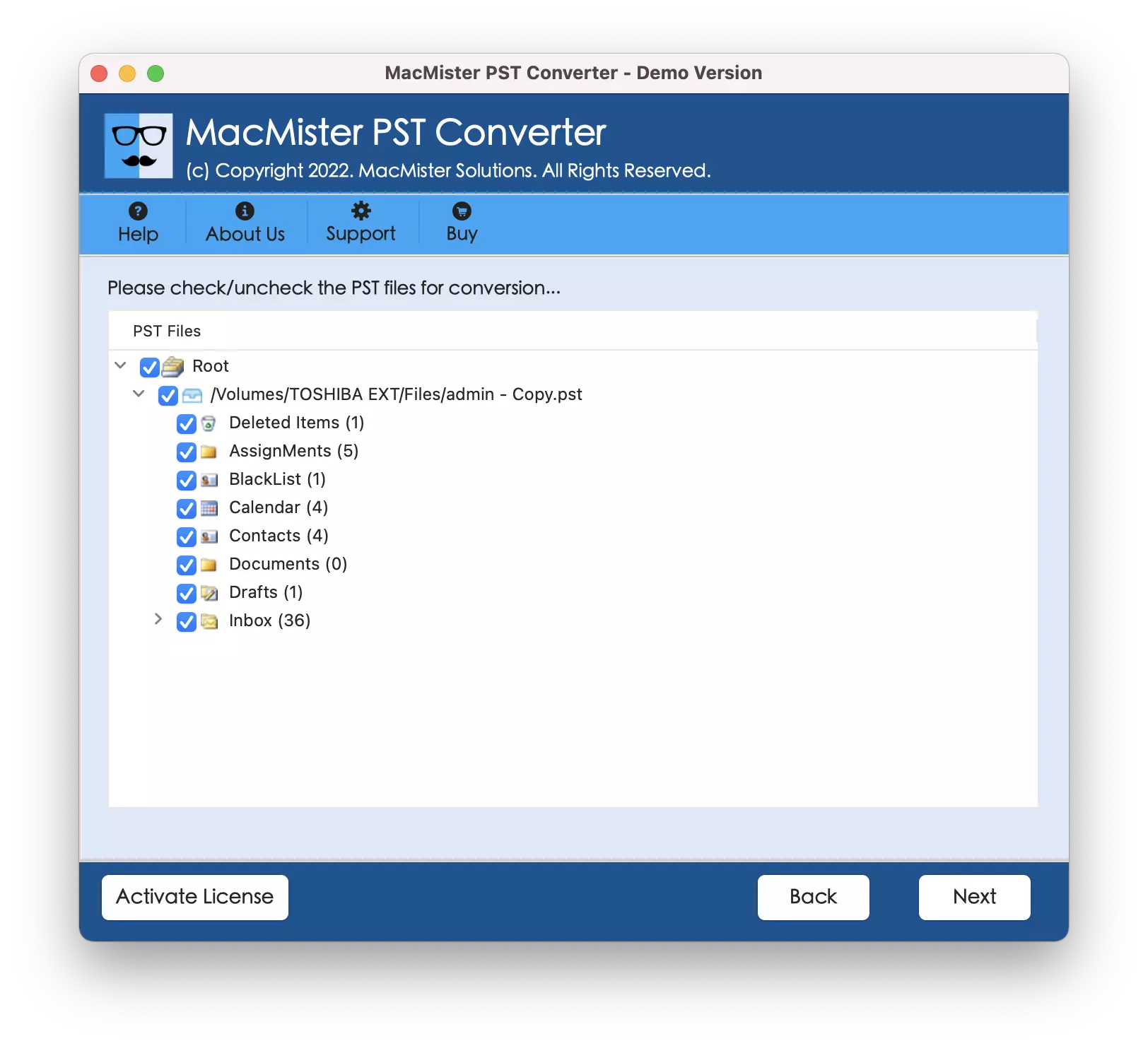
Step 3. Now the software start showing .pst files one-by-one with checkboxes. The checkboxes can be used to migrate only the selected PST files, if needed. Otherwise, click the Next button again and continue.
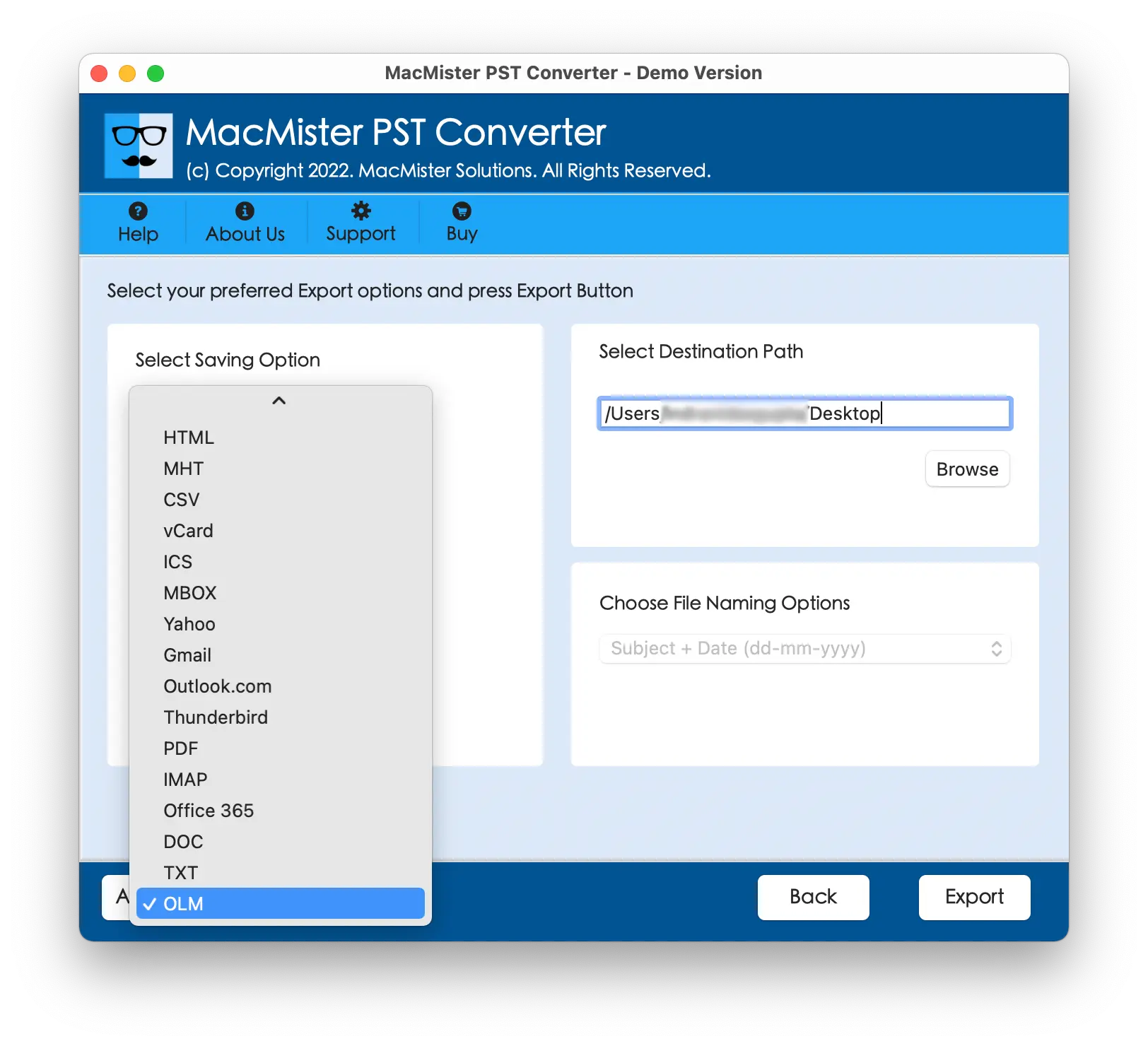
Step 4. Go to Select Saving Options to select OLM saving type from the drop-down list.
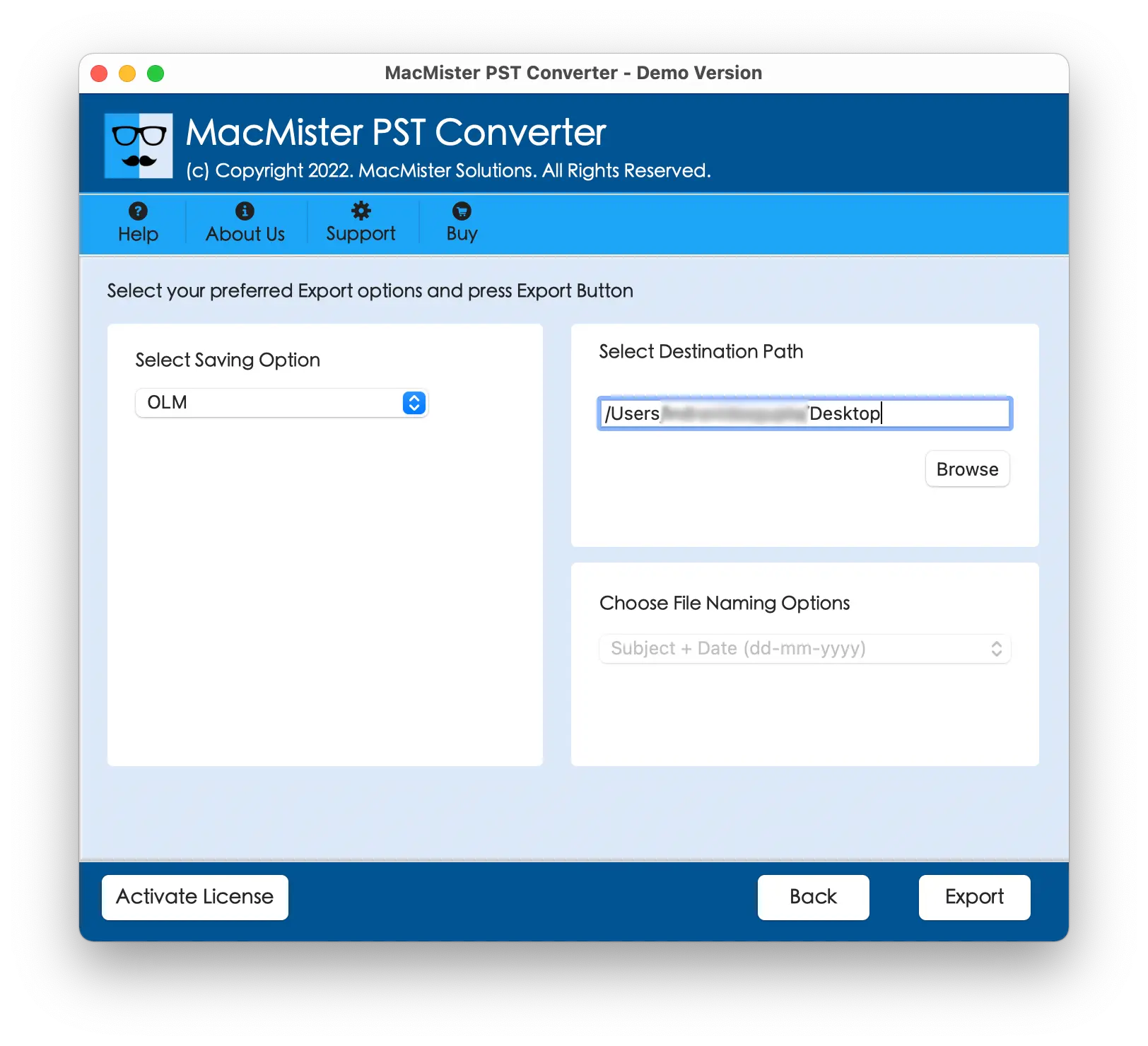
Step 5. Set OLM sub-options according to the requirements and click Export button.
Step 6. The Live Conversion Report window will open which shows the live conversion status of PST files to users.
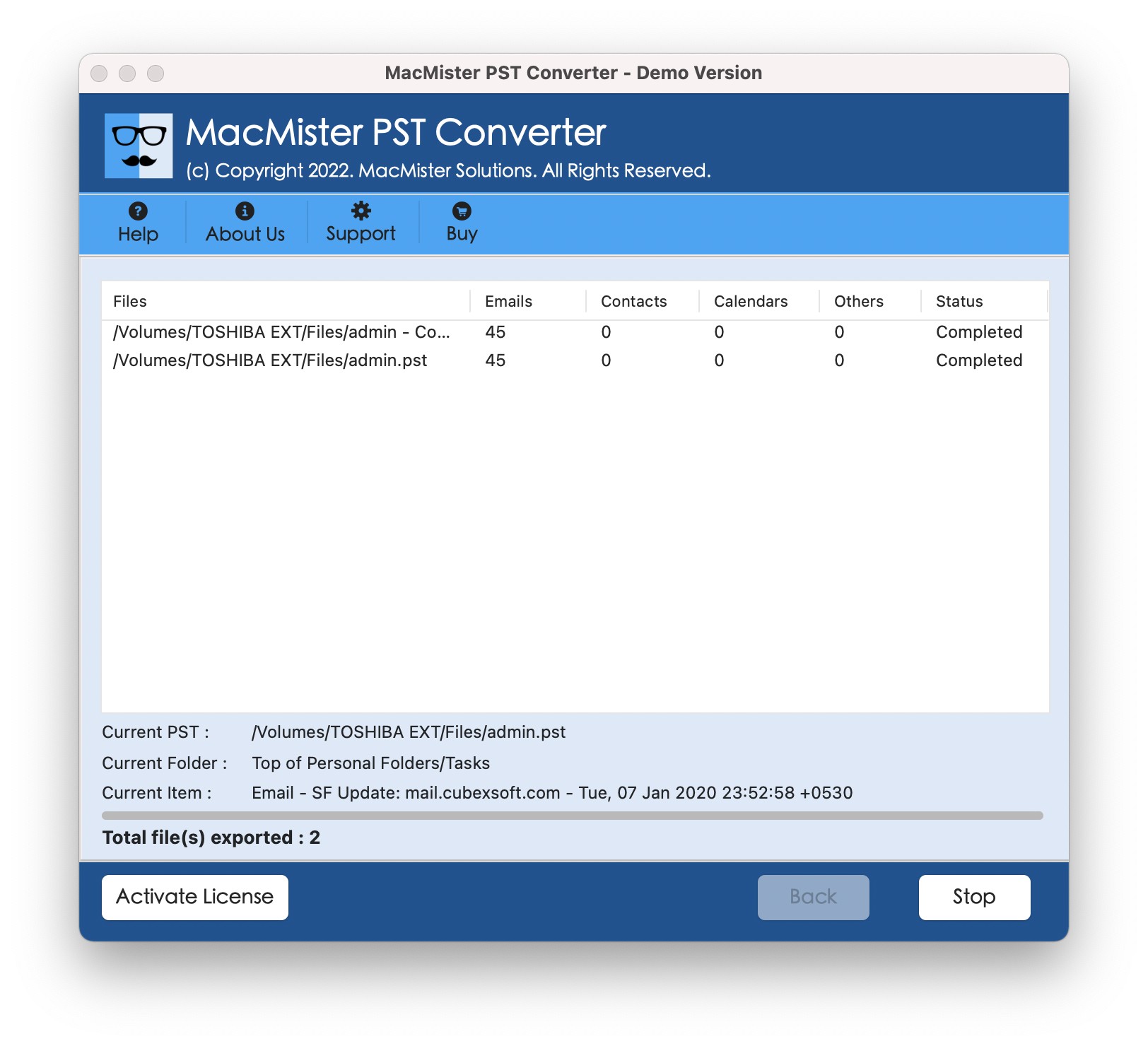
In fraction of seconds, the process will complete and then “Conversion Completed” notification will appear on the screen. Click OK button and then go to Outlook for Mac email client to import resultant files.
Follow the Steps to Add Resultant Files in Mac Outlook
- Run Mac Outlook.
- Go to Tools and click Import.
- Choose Import Outlook for Mac archive file (.olm).
- Tap Continue
- Locate .olm file, select the same and press Import.
The import task will end quickly and then Outlook email account screen will appear. It will show the imported items on the left pane under On My Mac. However, you will see that the folder structure will display in correct order. The entire database will appear with 100% accuracy.
Conclusion
In the blog, we have discussed an incomparable way to resolve how to migrate PST file to Mac Outlook. The solution smoothly performs the migration and provides the results with correct folder structure and database. It is programmed with an intuitive interface as well so that all technical and non-technical users will be able to migrate PST files effortlessly. Moreover, the advanced features of the app enable users to migrate PST files according to the requirements. Download the free demo version of the software to test the software working for free. It also allows to migrate first 25 PST files for free.